Your Mac, kept in order.
MacAdmin clears junk, shows what's filling your disk, watches your system and checks a used Mac before you buy it. Sixteen tools in one native app.
Paid once. For macOS 13 or later, on Apple silicon and Intel.
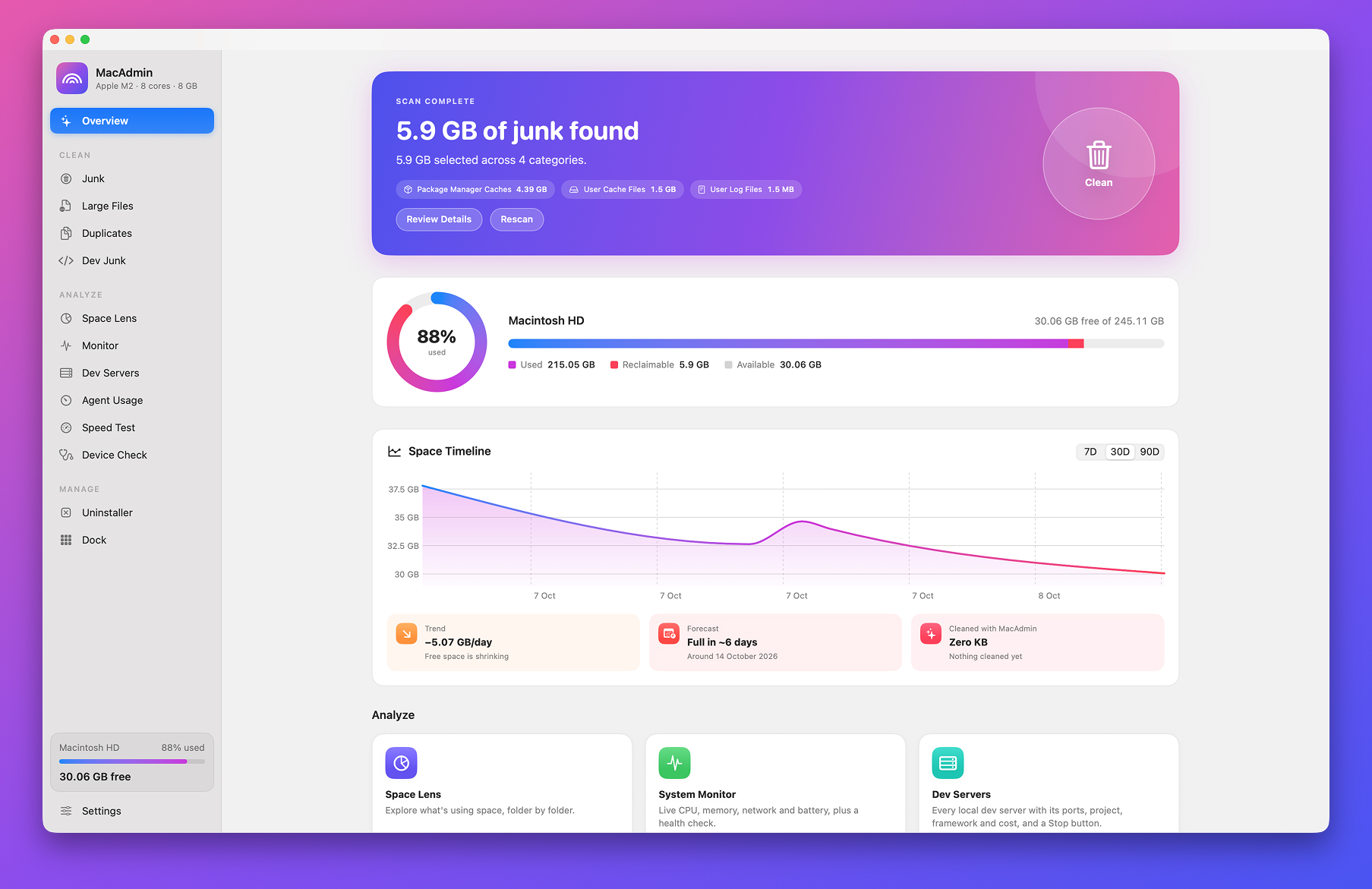
Sixteen tools, one sidebar.
Everything is laid out the way it is in the app: clean up, look around, manage what you have. Pick any tool to see what it does.
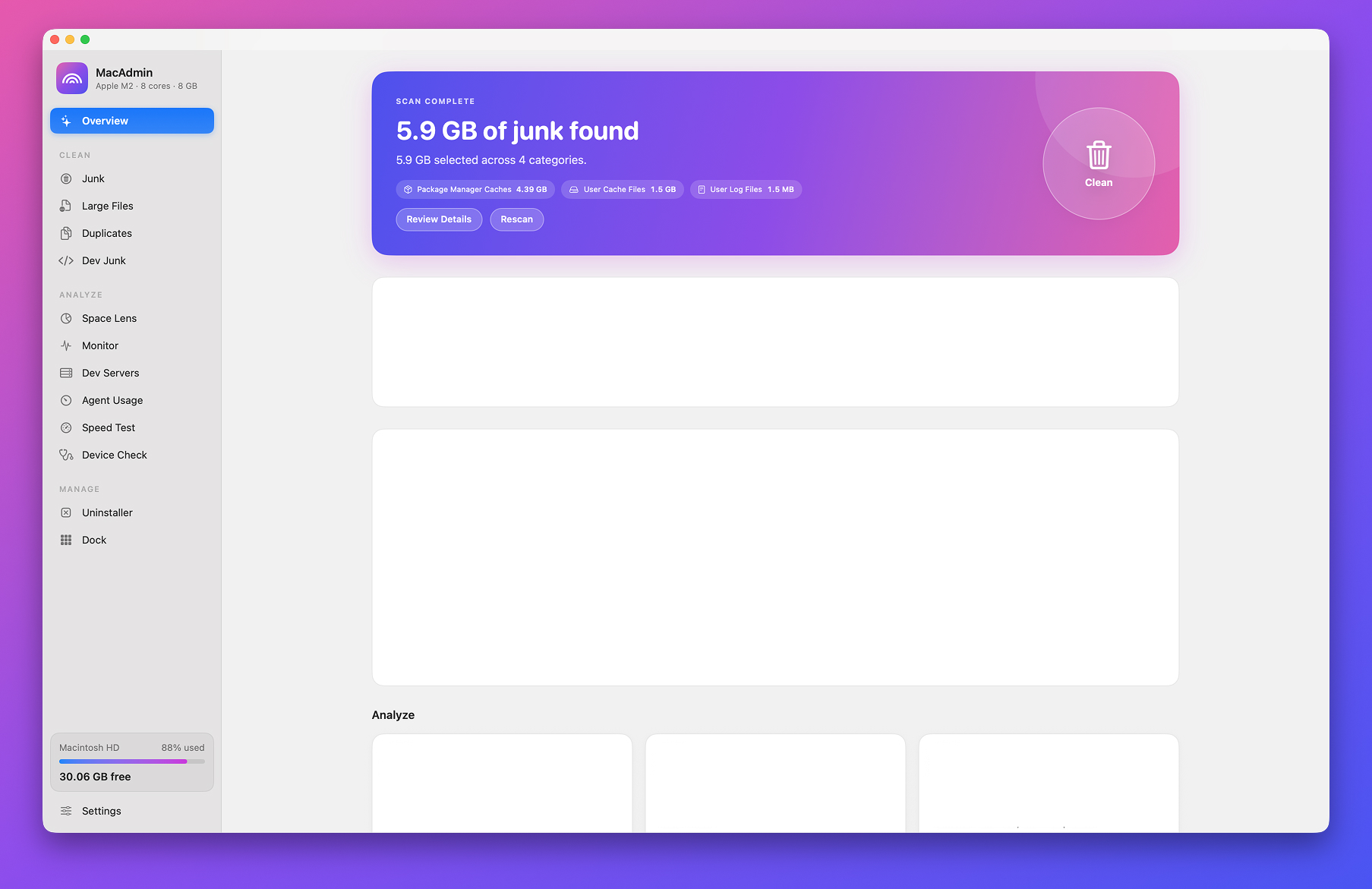
Smart Scan
See how full your disk is and clear the junk in one click.
- Disk usage at a glance, broken down by what's using it
- One scan covers caches, logs, developer leftovers and the Trash
- Review everything it found before anything is removed
Built by a developer, for a developer's disk.
Build caches, forgotten node_modules and servers you started last week fill a Mac faster than photos ever will. Three tools are made just for that.
Clears what builds leave behind
Developer Junk only removes a folder when the project file that owns it sits right next to it. Select everything untouched for 30 days in one click.
- node_modules
- .next
- .turbo
- .nuxt
- .svelte-kit
- Pods
- .build
- target
- build
- __pycache__
- .venv
- DerivedData
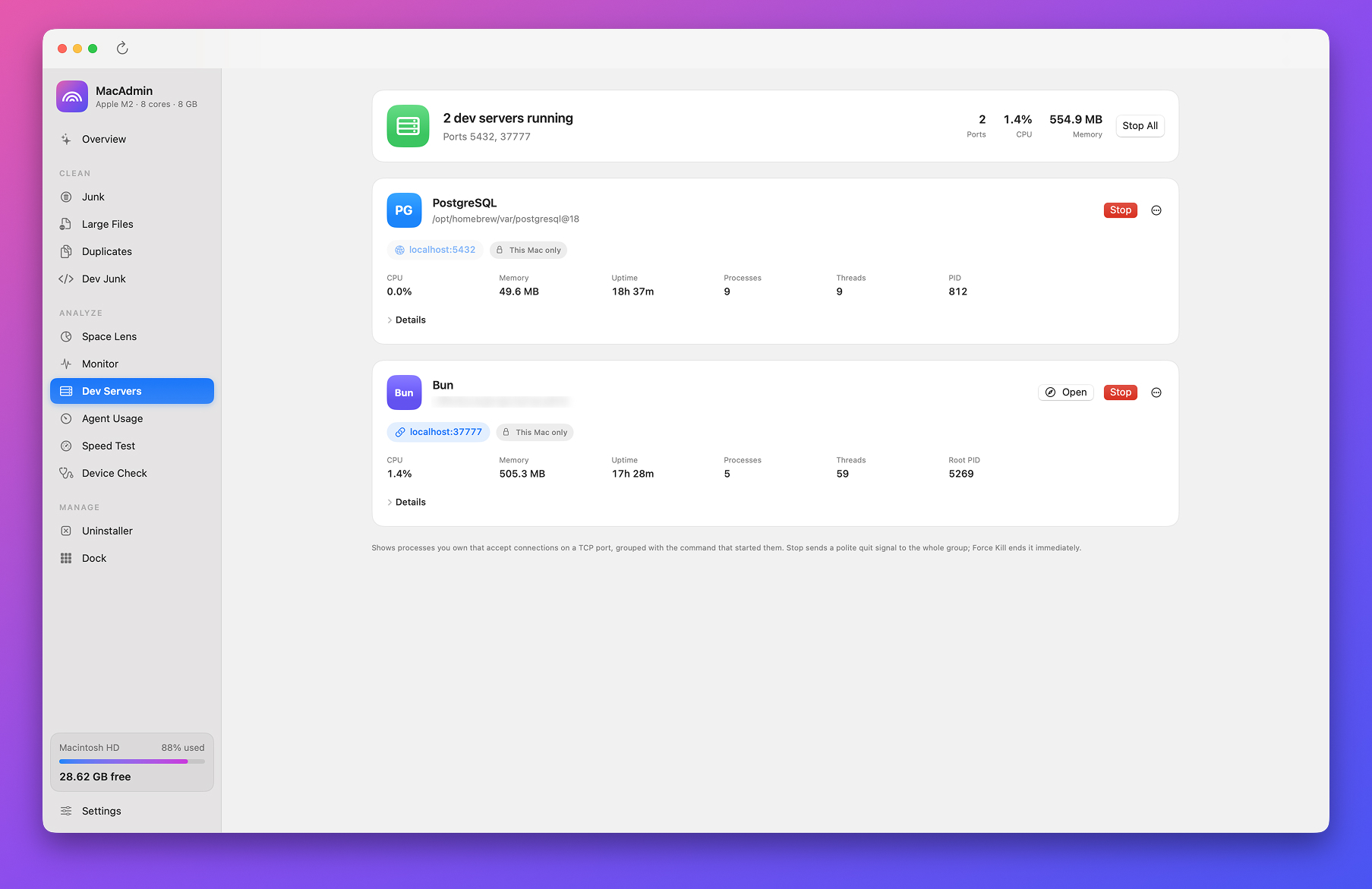
Finds the server holding port 3000
Dev Servers groups each process with the command that started it, so you stop npm run dev, not a stray node worker. Stop All clears every port at once.
- Next.js
- Vite
- Nuxt
- Astro
- Angular
- Express
- NestJS
- Rails
- Django
- FastAPI
- Laravel
- Go
- Rust
- Bun
- Deno
- Postgres
- MySQL
- Redis
- MongoDB
- Docker
Keeps an eye on your agent limits
Agent Usage shows what's left of your session and weekly limits, when they reset and whether you're on pace, plus what your usage would cost at API prices.
- Claude
- Codex
- GitHub Copilot
- OpenRouter
It won't touch what matters.
Every deletion passes through a safety check before it happens. Some things simply can't be removed, however you ask.
Protected paths are off-limits
System locations, your top-level folders like Documents and Library, keychains, SSH keys and iCloud Drive can never be removed. Only files in your home folder or Applications can.
Anything you might want is opt-in
Xcode Archives, DeviceSupport, Mail attachments and installers stay unselected until you choose them.
Big files and apps go to the Trash
Large files and uninstalled apps are moved to the Trash by default, so you can change your mind. You decide how junk is removed in Settings.
Exclude any folder
Add a folder to Exclusions and no scan will look inside it again.
One price. Yours to keep.
No subscription and nothing to renew. Pay once and every tool is yours.
$15
Paid once.
- All sixteen tools, from Smart Scan to Dock Folders
- The menu bar extra and Keyboard Cleaning
- One native app for Apple silicon and Intel
- macOS 13 Ventura or later